
Blog · Graphic Design
How to Create Social Media Graphics That Represent Your Brand
By Mel Neuberger ·
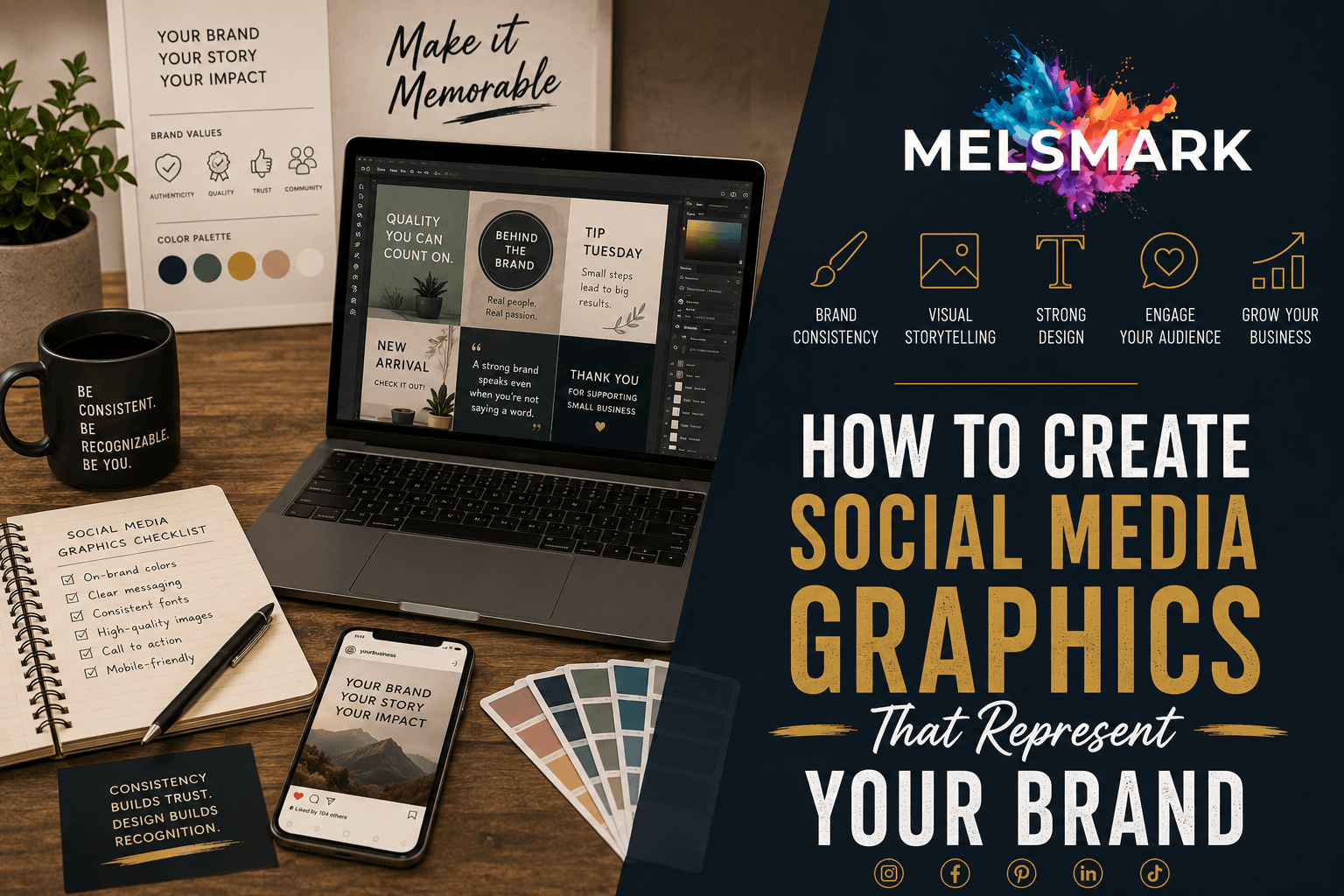
Your social media feed is often the first place a customer meets your business. Before they ever visit your website or walk through your door, they scroll past your posts. That means your social media graphics are doing real work for your small business, whether you planned for it or not.
Here is the good part. Strong social media graphics are not about looking flashy or expensive. They are about looking like you. When your posts share the same colors, fonts, and feel, people start to recognize you before they even read your name. That recognition builds trust, and trust is what turns a casual scroller into a paying customer.
You do not need a design degree or pricey software to get there. You need a few simple rules and a little consistency. Here is how to create social media graphics that actually represent your brand.
Start With Your Brand Basics
Before you open a single design app, get clear on your brand basics. These are the building blocks every graphic should use.
At a minimum, that means your logo, two or three brand colors, and one or two fonts. If you already have a logo you love, you are ahead of the game. If you do not, that is worth sorting out first, because your logo sets the tone for everything else.
Pick colors that fit your business and stick with them. A landscaping company in Minnesota might lean on deep greens and warm browns. A bakery might go with soft cream and a pop of berry red. Whatever you choose, use the same shades every time. That repetition is what makes your graphics start to feel professional instead of random.
Keep Your Social Media Graphics Consistent Across Platforms
This is where a lot of small businesses slip. They post a polished graphic on Facebook, then throw together something totally different on Instagram, and the two do not look like they came from the same company.
Your social media graphics should feel like a family. Same colors, same fonts, same general style, no matter where they show up. Someone who follows you in more than one place should never have to wonder if they landed on the right page.
A simple trick is to build a few templates and reuse them. Make one layout for quotes, one for promotions, and one for behind the scenes photos. Then you just swap the words and the image each time. This saves hours and keeps everything tied together. For a wider view of where social graphics fit into your marketing, our guide to graphic design for small businesses covers the full picture.
Make Your Graphics Easy to Read
A beautiful graphic means nothing if no one can read it. Most people scroll fast, usually on a small phone screen, so clarity beats cleverness every time.
Keep your text short. One clear message per graphic is plenty. Use a font size large enough to read without squinting, and leave some empty space around your words so they can breathe. Cramming text into every corner makes a post look busy and hard to follow.
Watch your contrast too. Dark text on a light background, or light text on a dark background, reads best. Light gray text on a white background might look sleek on your computer, but it can vanish on a phone screen in bright sunlight.
Avoid the Most Common Small Business Design Mistakes
A few small habits will make social media graphics for your small business look far more polished. Just as important, a few common mistakes can quietly undo all your hard work.
Do not use blurry or stretched photos. A pixelated image tells people you rushed, even if you did not. Do not pile on five different fonts either. Two is plenty, and one is often better. And resist the urge to grab random images off the internet, since many are copyrighted and can cause real headaches down the road.
Finally, do not forget to put your logo or business name somewhere on the graphic. If a post gets shared, you want people to know exactly who made it. Your website should be just as easy to find, so the attention your posts earn can turn into real leads.
Know When to DIY and When to Hire Help
Plenty of small business owners in Minnesota make their own social graphics, and that is completely fine. Free tools make it easier than ever to put together a clean, simple post on your own.
That said, there is a difference between graphics that get by and graphics that truly lift your brand. If you find yourself spending hours wrestling with a design app, or your posts still do not look quite right, it may be time to bring in a hand. A designer can build you a set of custom templates and a clear brand style, so every future post practically makes itself. You can see how that kind of help works on the graphic design services page.
Bringing It All Together
Strong social media graphics for your small business are not about chasing trends or trying to look like a big corporation. They are about showing up as yourself, over and over, until people recognize you on sight. Pick your colors, set your fonts, build a few templates, and keep it consistent. Do that, and your social media graphics will keep working for you even while you sleep.
Frequently Asked Questions
What size should social media graphics be for a small business?
It depends on the platform, but a square graphic at 1080 by 1080 pixels works almost everywhere. For stories and reels, use a vertical size of 1080 by 1920 pixels. Most free design tools have these sizes built in, so you rarely have to measure anything yourself.
What free tools can I use to make social media graphics?
Canva is the most popular free option for small businesses. It comes with ready made templates, brand color settings, and correct sizing for every platform. It is a great starting point if you want to make your own graphics without buying expensive software.
How often should I post social media graphics for my business?
Consistency matters more than volume. Posting two or three quality graphics a week that all look on brand will do more for you than posting every day with a mismatched, thrown together look. Pick a schedule you can actually keep and stick with it.
Ready to make your brand look its best online?
I'm the designer behind Melsmark, based in East Bethel, MN. I help small businesses across Minnesota with graphic design, logos, and websites that actually look like them and bring in customers.
Let's talk about your project. Contact me